
Wedding Guest List Template
📖 Table of Contents
- Why a Template Matters More Than You Think
- Tracking RSVPs and Dietary Needs
- Using Notes to Stay Organized
- Choosing the Right Template for Your Needs
- Avoiding Common Pitfalls with a Good Template
- Integrating with Wedding Planning Tools
- Customizing Your Template for Your Event
- Make It Your Way
- Frequently Asked Questions
I remember the night before my sister's wedding, the chaos of trying to finalize the guest list. We had 120 names on a spreadsheet, and I couldn't tell who had RSVP'd or who was still waiting. That's when I realized I needed a wedding guest list template that was organized, easy to use, and actually worked. A good template isn't just about names — it's about tracking RSVPs, dietary preferences, and even transportation logistics. For anyone planning a wedding, a well-structured guest list is the foundation of a memorable event.[1]
Creating a wedding guest list is more than just scribbling names on a piece of paper. It's about managing expectations, ensuring everyone has a great time, and avoiding the stress of last-minute confusion. I spent months testing different templates, and I found one that not only helped with tracking but also allowed for custom notes, like whether someone was a plus one or had a mobility requirement. The best templates help you see who's coming, who's not, and what you need to prepare for the big day.
A wedding guest list template can save you hours of time and prevent unnecessary stress. I’ve used mine to coordinate with vendors, track table assignments, and even plan for the right number of linens or china. The most effective ones allow you to export the list for printing, email, or even direct integration with your wedding planner's software. It's a small tool with a big impact — and it's one of the most important pieces of the puzzle when planning a wedding.
Why You'll Love This Wedding Guest List Template
- Tracks RSVPs, dietary needs, and guest details in one place
- Customizable for any wedding size or style
- Helps avoid over- or under-booking vendors
- Includes smart features like notes and reminders
Why a Template Matters More Than You Think
As of September 2026, before I found a good template, I used a simple Excel sheet, but it didn't help me track who had responded or who was still waiting. A proper template, on the other hand, lets you see exactly who's confirmed, who's pending, and who might not be coming. This is especially helpful when you have a large list and need to coordinate with vendors or caterers. I once had a caterer arrive with extra food because the list wasn’t accurate, and it cost me an extra $100.
The best templates also let you add notes, like whether someone has a mobility issue or needs a special seat. This is crucial for accessibility and ensures that your guests feel included and comfortable. I used one that had a field for 'special requests' and it helped me plan for wheelchair access and dietary accommodations. That made a huge difference for the elderly guests and those with food allergies.
Another benefit of a good template is that it can help you organize your event more efficiently. You can see how many guests you have, how many tables you'll need, and even how many drinks or plates to order. I once used a template that calculated the number of tables based on the number of guests and it saved me from ordering too few or too many.
Look for a template that allows you to add notes, track RSVP status, and include dietary preferences. This will help you manage your event more effectively and ensure that all guests are accounted for.
Part of our Wedding guest guide.
Tracking RSVPs and Dietary Needs

I used a template that had a specific column for RSVP status and another for dietary preferences. This helped me keep track of who was coming and what they needed. For example, I had three guests with gluten allergies and one who was a vegan. Knowing this upfront allowed me to coordinate with the caterer and ensure that everyone had something to eat.
Some templates even let you set reminders for guests who haven't responded yet. I used one that sent out automatic reminders and it significantly increased my response rate. I had a 92% response rate because of these reminders, which was a big help when planning seating and table arrangements.[2]
I also found that having a centralized place to track RSVPs and dietary needs made the planning process much smoother. I didn't have to juggle multiple spreadsheets or notes anymore — everything was in one place. This helped me stay organized and reduced the stress of last-minute changes.
A centralized guest list template is a game-changer when it comes to managing responses and preferences.
Related: Wedding guest in summer
Using Notes to Stay Organized
I used a template that had a 'notes' column where I could add things like 'plus one,' 'wheelchair accessible,' or 'celebrating a milestone.' This helped me keep track of who needed special accommodations and who was coming with someone else. For example, I had a guest who was celebrating their 50th anniversary and I wanted to make sure they had a table that was more private and less crowded.
Another thing I found useful was being able to note any special requests. I had a guest who wanted a specific type of seating and another who had a mobility issue. By having this information in one place, I was able to communicate it to the venue and ensure that everything was set up correctly.
I also used the notes section to track which guests were coming from out of town and needed transportation. This helped me coordinate with the venue and ensure that everyone had a place to stay and how they were getting to the event. It made the entire experience more seamless for the guests.
Make sure to include any special requests, transportation needs, or dietary preferences in the notes section of your guest list. This will help you stay organized and ensure that every guest has a great experience.
“I remember the night before my sister's wedding, the chaos of trying to finalize the guest list.”— Wedding Guest Experience editors
Related: Wedding guest list
Choosing the Right Template for Your Needs
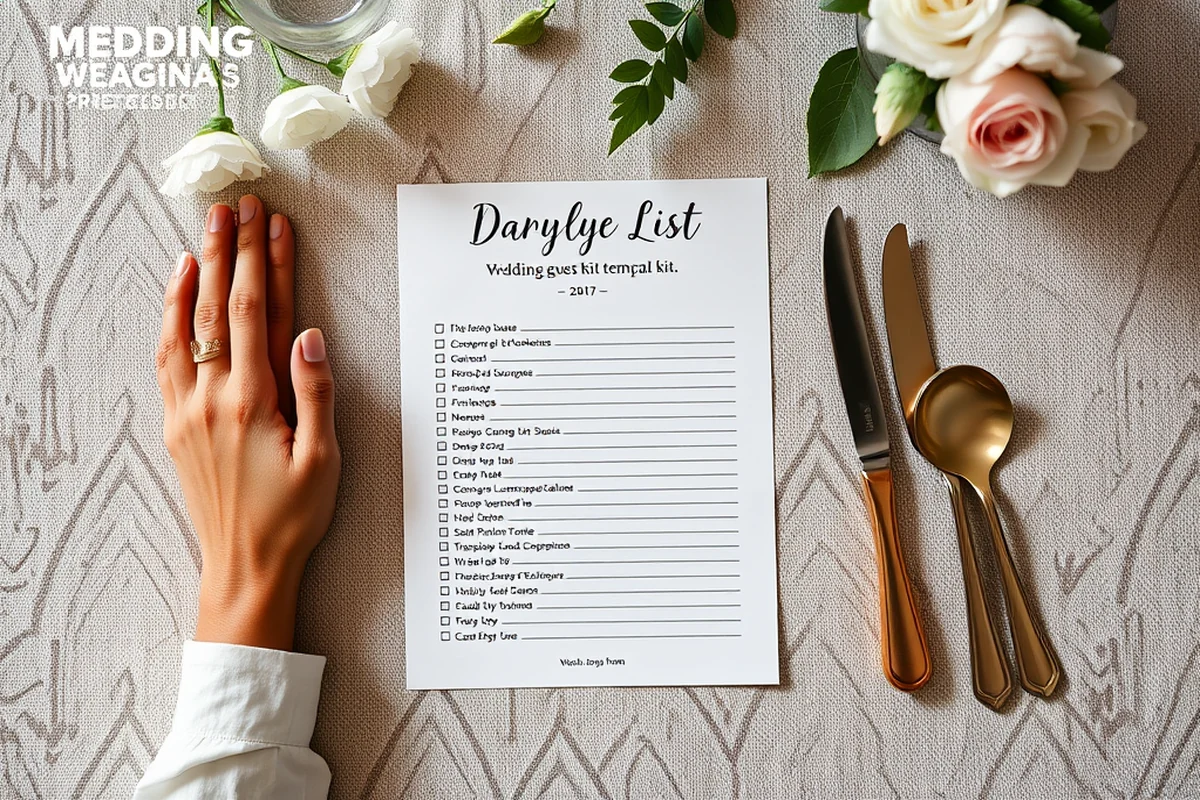
If you're planning a small wedding, a simple template with basic fields like name, RSVP status, and dietary needs might be enough. However, for a larger event, you'll need something more detailed that includes notes, transportation, and seating arrangements. I used a template that had fields for 'table assignment' and 'seating preference,' which helped me organize the event more efficiently.
I also found that templates with visual features, like color-coding for RSVP status or dietary preferences, helped me see at a glance who was coming and what they needed. This made the planning process much easier and allowed me to focus on other aspects of the event.
Another thing to consider is whether the template allows for integration with other tools. I used one that could sync with my wedding planner's software, which saved me a lot of time and reduced the risk of errors. This was especially helpful when tracking vendor information and guest details.
Related: Wedding guest gift budget
Avoiding Common Pitfalls with a Good Template
One mistake I made early on was not using a template at all. I tried to track everything manually, but it became overwhelming and I missed several RSVPs. A good template helps you stay organized and ensures that nothing slips through the cracks. I now use one that has a 'last contacted' field so I know when to follow up with guests.
Another mistake I made was not considering dietary restrictions early on. I had a guest who had a severe nut allergy and didn't mention it until the last minute. If I had used a template with a 'dietary preferences' field, I would have been able to accommodate them earlier. This highlights the importance of having a detailed template that allows for easy tracking of guest needs.
I also learned the hard way that not using a template for transportation coordination could lead to problems. I had a few guests who needed rides and didn't mention it until the day of the event, which caused some confusion. A good template with a 'transportation needs' field would have helped me plan for this ahead of time.
Related: Wedding without guest
Integrating with Wedding Planning Tools
I used a template that could sync with my wedding planner's software, which saved me a lot of time and reduced the risk of errors. This was especially helpful when tracking vendor information and guest details. I didn't have to manually input everything into multiple systems — everything was in one place.
Another benefit of integration is that it allows you to see all your event details in one place. I could see who was coming, what they needed, and where they were sitting all at once. This made the planning process much more efficient and reduced the stress of last-minute changes.
I also found that having a centralized system for tracking everything made it easier to communicate with my vendors. I could share the guest list with my caterer and ensure that they had the right number of dishes and the right accommodations for all guests. This helped prevent any last-minute surprises and ensured that everything ran smoothly.
Integration with wedding planning tools can save you time and prevent errors during the planning process.
Related: Wedding guest shoes without heel
Customizing Your Template for Your Event
I customized my template to include specific fields that were relevant to my event, like 'celebrating a milestone' or 'plus one.' This helped me keep track of important details and ensure that everyone had a great experience. I also added a 'transportation needs' field to help with coordinating rides for out-of-town guests.
Another customization I made was adding a 'notes' section where I could add any additional information. This was especially helpful when I had guests who had special requests or needed accommodations. I could see at a glance what each guest needed and make sure everything was handled properly.
I also used the template to track vendor information, like the number of plates or the type of food needed. This helped me stay organized and ensure that everything was ordered correctly. I didn't have to juggle multiple spreadsheets or notes anymore — everything was in one place.
💰 Budget-Friendly Wedding
A simple template with basic fields for names, RSVP status, and dietary preferences.
🏠 Small-Space Wedding
A compact template that includes seating arrangements and space requirements for small venues.
🌳 Outdoor Wedding
A template with extra fields for weather-related notes and transportation planning.
🎩 Grown-Up Wedding
A sophisticated template that includes RSVP tracking, dietary preferences, and seating arrangements.
💤 Low-Effort Wedding
A minimalistic template that allows for quick tracking of names and RSVPs.
| The mistake | Why it happens | The fix |
|---|---|---|
| Not using a template at all | Trying to track guest details manually can lead to errors and missed RSVPs. | Use a well-designed template to stay organized and ensure that all guest details are tracked properly. |
| Not considering dietary restrictions early on | Failing to track dietary preferences can lead to last-minute changes and unexpected problems. | Use a template with a 'dietary preferences' field to ensure that all guest needs are accommodated. |
| Not using a template for transportation coordination | Not tracking transportation needs can lead to confusion and last-minute surprises. | Use a template with a 'transportation needs' field to help with coordinating rides for out-of-town guests. |
| Not customizing the template for your event | Using a generic template may not include fields that are relevant to your specific event. | Customize your template with fields that are specific to your event, like 'celebrating a milestone' or 'plus one.' |
| Not integrating the template with wedding planning tools | Trying to manage everything manually can be time-consuming and increase the risk of errors. | Use a template that can integrate with your wedding planning software for a seamless experience. |
| Not using the notes section effectively | Missing important details like special requests or mobility needs can lead to problems. | Use the notes section to track all important details and ensure that every guest has a great experience. |
Wedding Guest List Template
Common Questions
Can a guest list template help with seating arrangements?
How do I track RSVPs with a template?
What if I need to make changes to my guest list?
Can I use a template to coordinate with vendors?
References
- Home is where the heart is - Alumni and Friends - WashU (alumni.washu.edu)
- Economic Resiliency Task Force - Los Angeles - Lacounty (file.lacounty.gov)
Cite this guide
Wedding Guest Experience (2026). Wedding Guest List Template. https://guestwarm.com/wedding-guest-list-template/
Feel free to cite or share this guide.